
new
All Plans
UI & Reporting
Dashboards: View-Based Widget Preset Filters
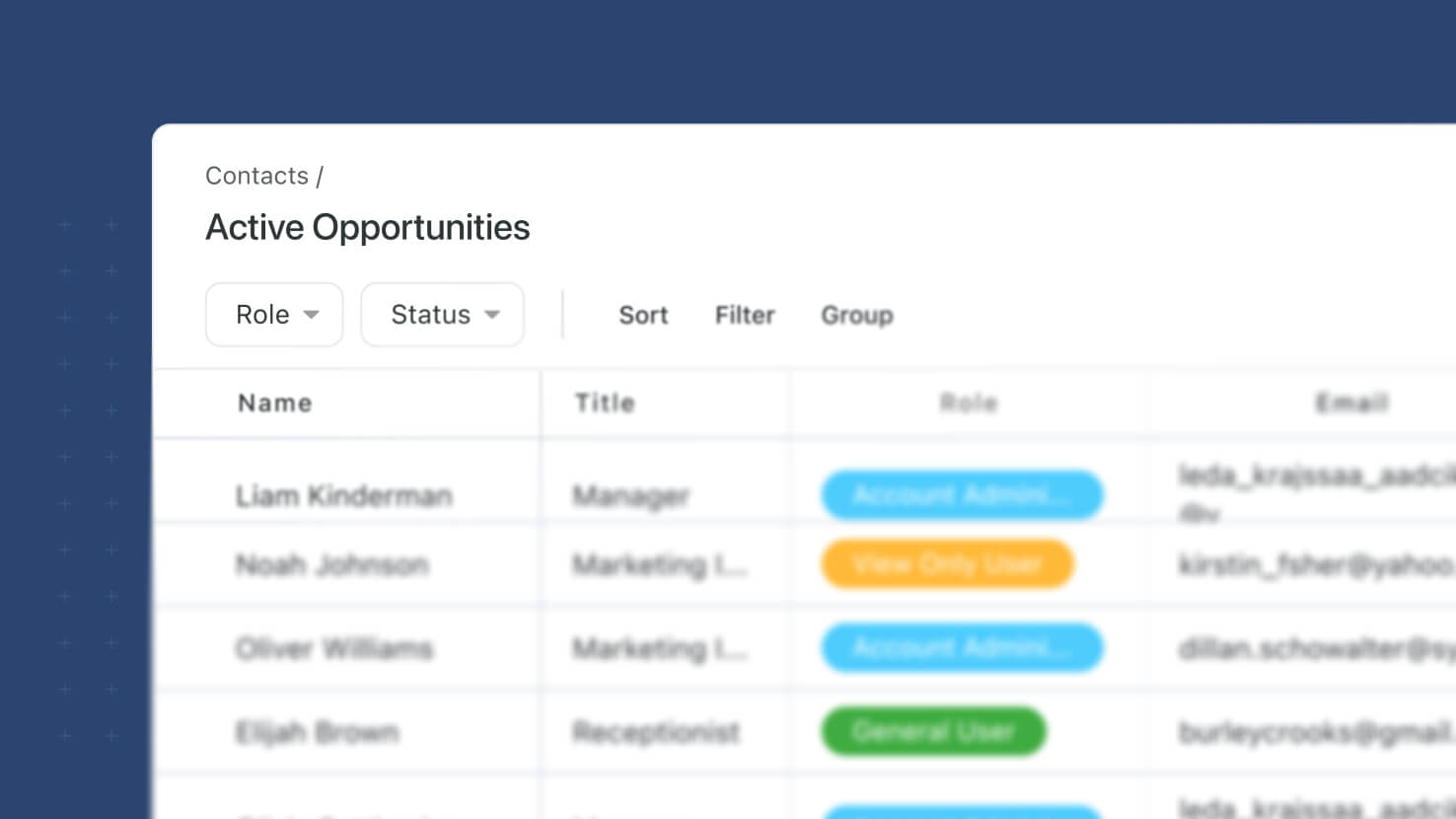 View-Based dashboard widgets pick up a third filter layer: Preset Filters on the widget itself, configured in a new Filters tab. Solution Managers choose Static (fixed conditions the viewer can't change) or Dynamic (viewer-facing filter controls on the widget so dashboard consumers can slice the data themselves). Preset Filters combine with the existing Filter Widget and the widget's own Filter Control using AND logic. Shareable dashboards expose Dynamic Filter controls to recipients with the full record set intact.
Key Highlights
- New Filters Tab: A dedicated Filters tab on the widget configuration modal, with a Preset Filters section that lets Solution Managers pick None, Dynamic, or Static.
- Static Preset Filters: Fixed conditions the dashboard viewer can't change. The author writes the filter once and every viewer sees the same slice.
- Dynamic Preset Filters: Viewer-facing filter controls that render on the widget so dashboard consumers can slice the data themselves without editing the dashboard configuration — Status, Assigned To, Linked Record, date range, and any other filterable field type.
- Same Condition Builder: Preset Filters use the same condition builder as the Filter Widget and every other filter surface in SmartSuite — no new syntax to learn.
- Three Filter Layers, All ANDed: Filter Widget (dashboard-wide), Filter View Control (widget-level, editor-owned), and Preset Filters (widget-level, author- or viewer-owned) all combine as AND-joined condition groups. Any narrowing in one layer stacks with narrowing in the others.
- Preset Type Switching Preserves Work: Only one Preset Filter type can be selected at a time, but switching between Static and Dynamic preserves any conditions already configured so authors can flip between the two without rebuilding.
- Shareable with Full Record Set: Sharing a dashboard exposes Dynamic Preset Filter controls to recipients with no pre-selection applied and the full underlying record set intact — a viewer's live filter selection never truncates the data other viewers see.
- Reference-Field Support: Dynamic Preset Filters based on Linked Record, Assigned To, or Lookup fields surface the reference records recipients need in the picker after sharing.
How It Works
- Open a View-Based widget's configuration modal on a dashboard.
- Go to the new Filters tab. In the Preset Filters section, choose Dynamic or Static (or leave as None to skip this filter layer).
- Configure the filter conditions using the same condition builder that drives the Filter Widget and every other filter surface in SmartSuite.
- Save. If the type is Static, every viewer of the dashboard sees the same filtered slice. If the type is Dynamic, a viewer-facing filter control renders on the widget for consumers to slice with.
- Combine with the Filter Widget and the widget's Filter View Control — all three layers work together as AND-joined condition groups.
Available on all plans.