
new
All Plans
Linked Records: Dynamic Filters
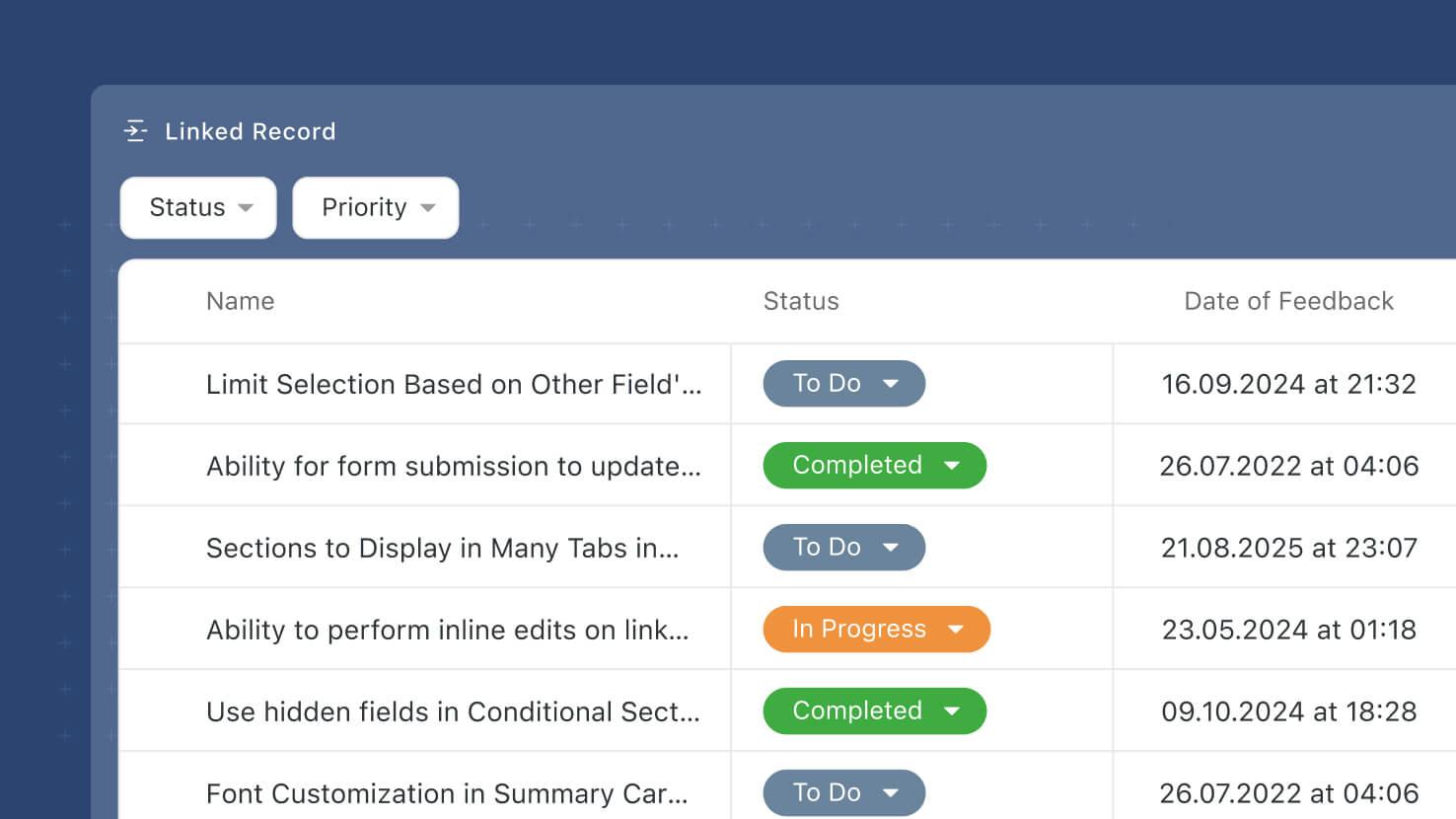
Linked Record fields pick up Dynamic Filters — viewer-facing filter controls that let end users slice the linked-record list without editing the field configuration. Configured on the new Filters tab of the Advanced Settings modal, Dynamic Filters render as a filter picker at the top of the Linked Record display surface so viewers can filter by any field on the target table at view time.
Key Highlights
- New Filters Tab: Under the Linked Record field's new Advanced Settings modal (also shipping this release), a Filters tab lets Solution Managers pick None, Static, or Dynamic.
- Viewer-Facing Filter Controls: Dynamic Filters render as a filter picker on the Linked Record's display surface (Record Page, Record Details Widget). End users choose values to narrow the visible list without touching the field configuration.
- Same Filter Widget Behavior: Dynamic Filters reuse the same functionality already implemented for the Filter Widget's dynamic filters — no new logic, no new UX. Solution Managers who already know Filter widgets already know Dynamic Filters.
- Configure Which Fields Users Can Filter By: Solution Managers configure which fields on the target table are exposed as filter dimensions. Common picks: Status, Assigned To, Due Date, Priority, any Single Select or Yes/No.
- Per-Viewer, Per-Session: A user's Dynamic Filter selections don't persist to other viewers of the same record. Each user gets their own live view.
- Preserves Underlying Links: Dynamic Filters change what displays, not what's linked. Every linked record remains linked at the data layer.
How It Works
- Open a Linked Record field's settings and click Advanced Settings.
- Switch to the Filters tab and choose Dynamic.
- Configure the filter dimensions viewers can use — which fields are exposed and in what order.
- Save. On the Record Page and Record Details Widget, users see a filter control at the top of the Linked Record field and can filter the visible records by the exposed dimensions.
- Filter selections are per-viewer and per-session — they don't change what's linked, and they don't affect what other users see.
Third of the three Linked Record enhancements shipping this release, alongside Advanced Settings (the container modal) and Static Filters (author-driven preset filter sets). Static and Dynamic Filters share the same Filters tab — pick one flavor per field. Available on all plans.