
new
Enterprise
Signature
Managed Secrets
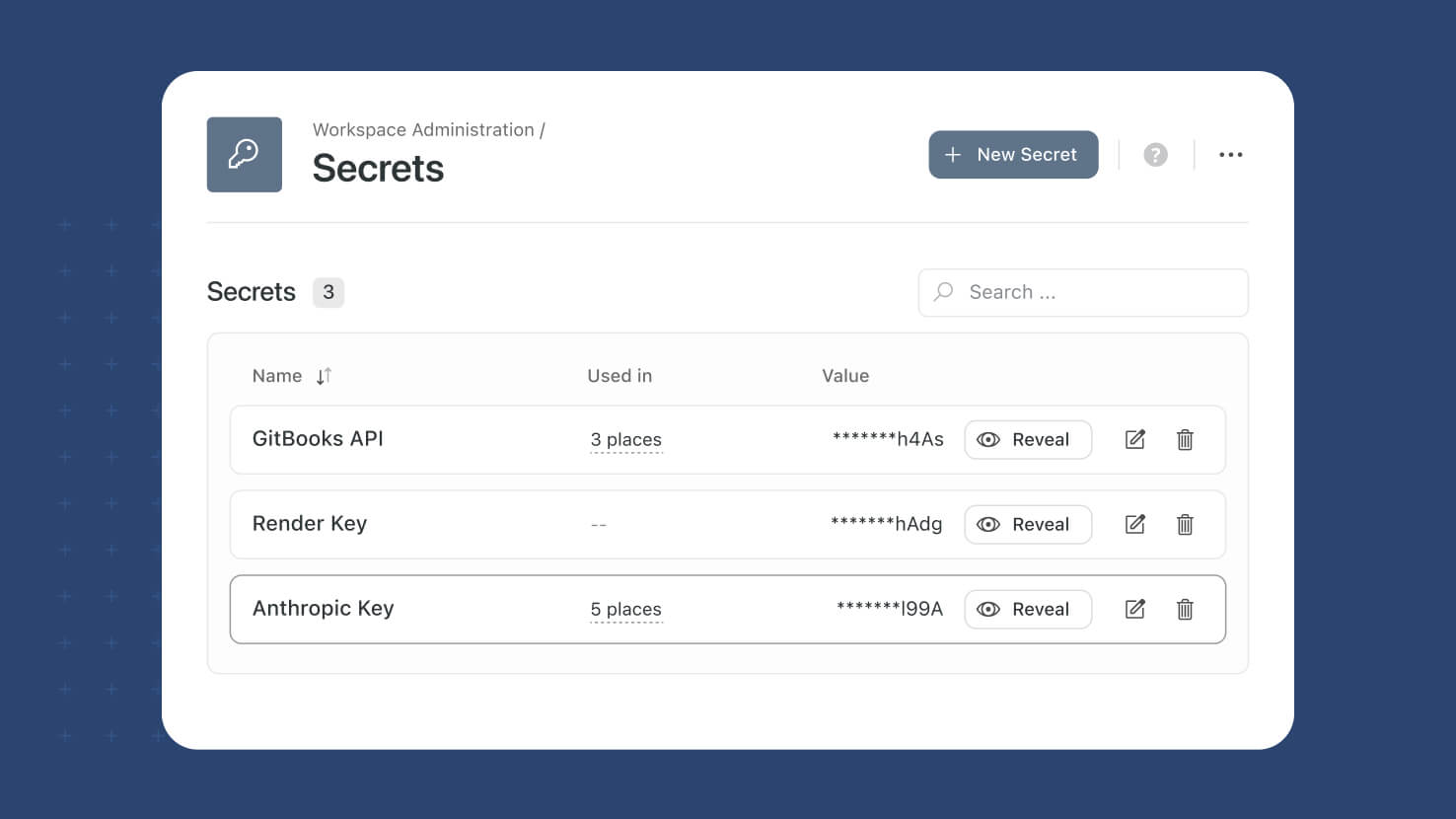
API keys and tokens sitting inside script code are a liability every auditor asks about. Secrets now has a page of its own under Workspace Administration, where you store sensitive values once, reference them by name, and see exactly who revealed each one and when.
Key Highlights
- Dedicated Page: Secrets has moved out of the Script Engine and onto its own page in the left sidebar, directly below Script Engine.
- Values Out Of Code: Scripts and integrations reference a secret by name, so API keys, tokens and connection strings never appear in the script itself.
- Reveal Is Recorded: Every reveal saves the member's name and the time, giving Administrators an access trail for sensitive credentials.
- Usage Before Changes: The Used in column shows every script and integration depending on a secret, so you can check impact before rotating or deleting it.
- One Rotation, Everywhere: Updating a secret's value takes effect in everything that references it, so rotating a credential is a single edit.
How It Works
- Open Workspace Administration and select Secrets to see the list, search it by name, and sort by secret name.
- Create a secret with a name and a value. The value is encrypted on save, and only its last four characters are ever shown in the list.
- Revealing a value takes two steps: a warning that the action is recorded, then the full value in a read-only field with a Copy button.
- Editing lets you rename a secret without breaking references, or type a new value to overwrite the existing one. Values are write-only and never displayed.
- Deleting a secret that is in use lists the affected scripts and integrations, turns them off, then removes the secret. The action cannot be undone.
Credentials now live in one governed place, with a record of every reveal and a clear view of what depends on them. Available now under Workspace Administration.