
new
All Plans
Mobile
Mobile: Data Schema Widget
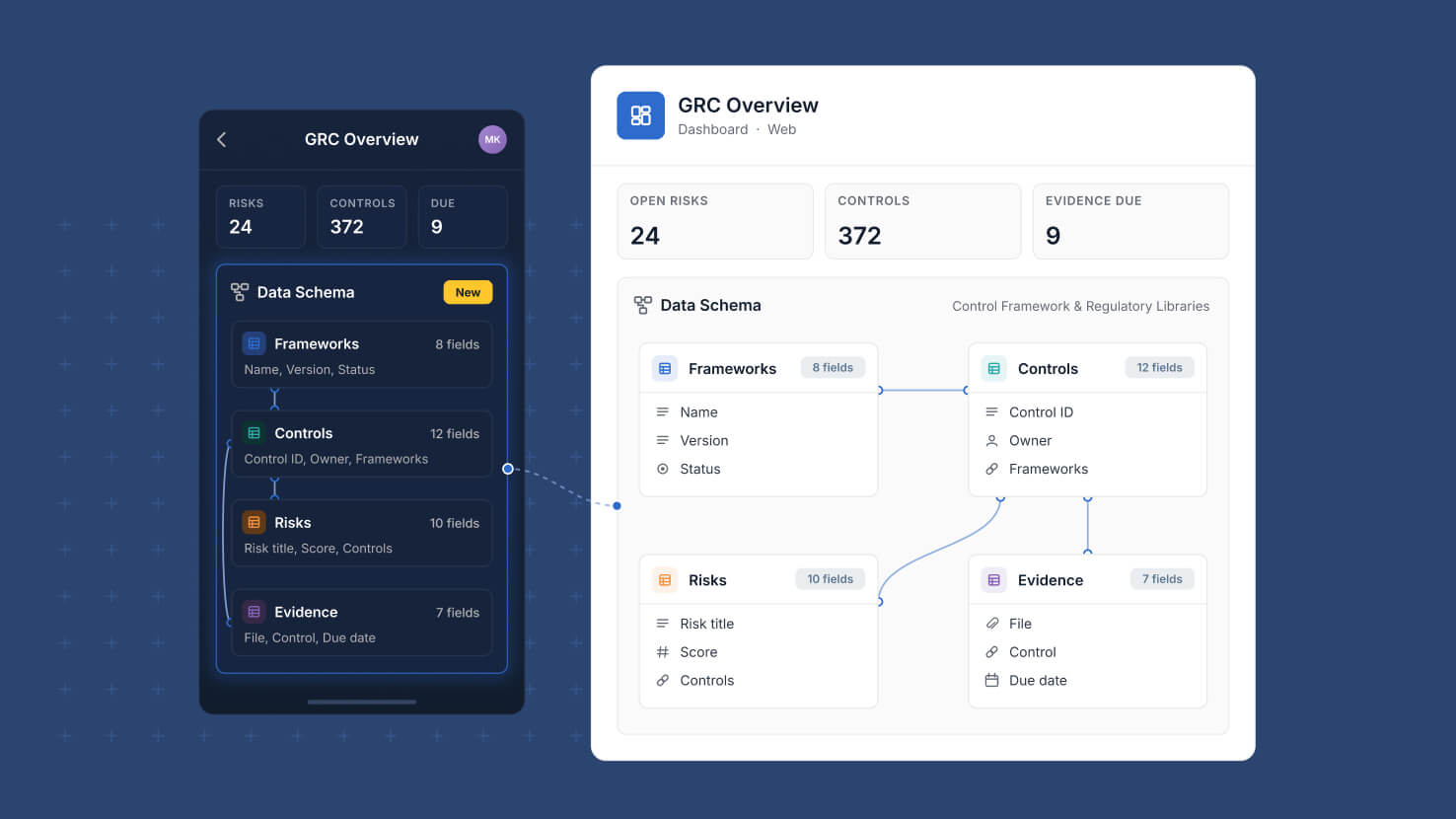
The map of how your tables connect is no longer something you have to be at a desk to read. Data Schema widgets now render on mobile dashboards, with the same table cards, relationship lines and automatic layout the web shows.
Key Highlights
- Schema On Mobile: Data Schema widgets now draw on dashboards in the mobile app instead of leaving an empty space on the card.
- Same Diagram As Web: Table cards, field lists, relationship lines, self-links and automatic layout match what the same widget shows on the web.
- Pan And Zoom: Unlock the card to pan and pinch to zoom the diagram without the dashboard scrolling underneath you.
- Full Screen View: The expand icon opens the diagram full screen, with zoom in, zoom out, fit to screen, and double-tap to reset.
- Permissions Respected: Tables a member cannot access, and the relationship lines running to them, are left out of the diagram.
How It Works
- Open a dashboard in the mobile app and the diagram scales to fit its card, with the widget name and description shown above it.
- Tap the padlock to switch the card between scrolling the dashboard and moving the diagram, then tap it again to resume scrolling.
- Relationship lines are drawn from Linked Record, Count, Rollup and Lookup fields. Member and team fields do not create lines.
- Configuration stays on the web, so settings such as showing all fields or including cross-Solution links carry over the next time the dashboard loads.
- If the widget has no Solution selected, or its Solution was deleted, a clear message appears in place of a blank card.
Anyone with access to the dashboard can now read a Solution's structure from a phone or tablet. Available on all plans.