
new
All Plans
Mobile
Mobile: Date Filters: Calendar Periods and Custom Units
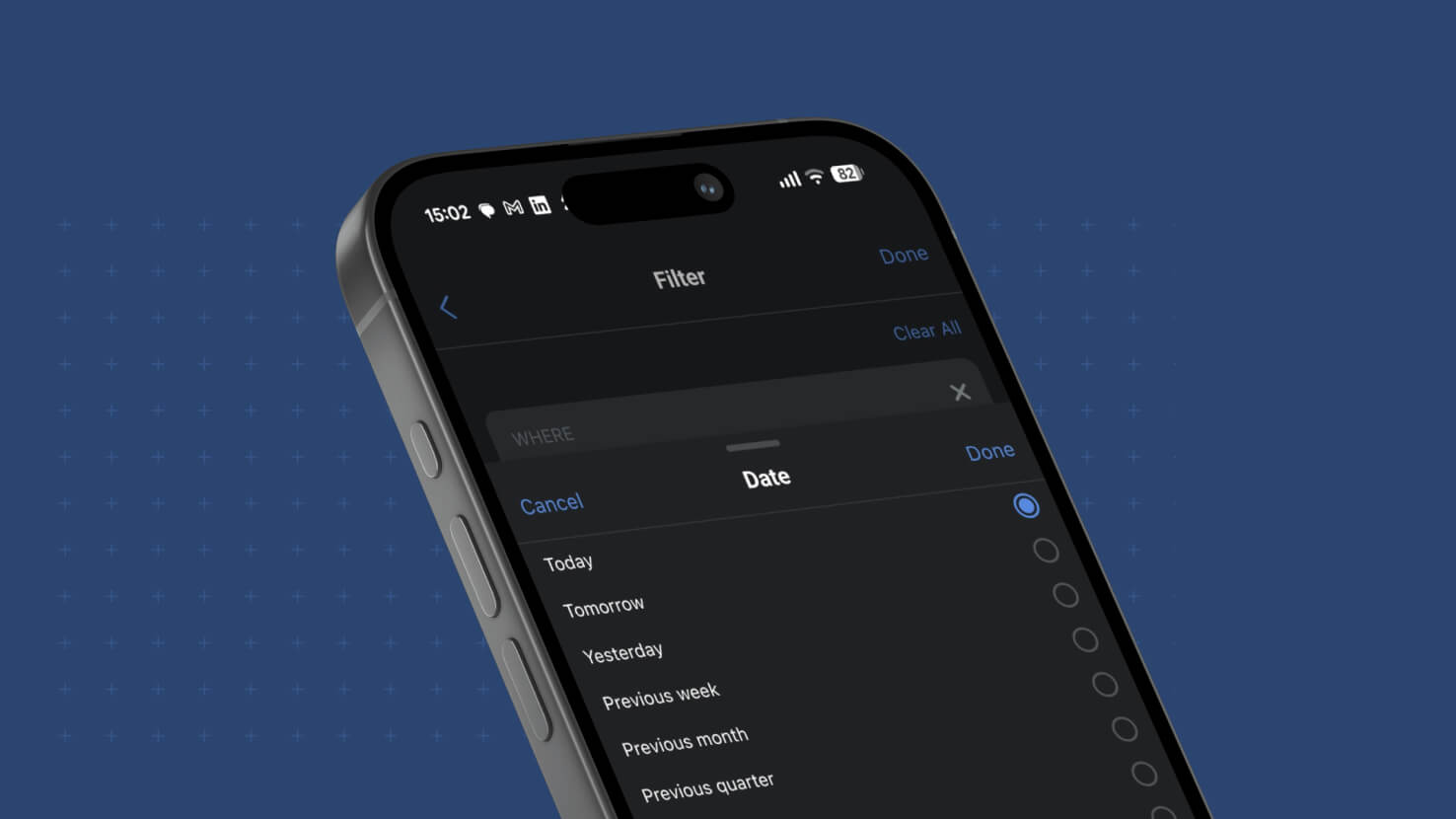
Date filtering in the SmartSuite mobile app gains the full calendar vocabulary. Twelve calendar periods are available across week, month, quarter and year — Previous, Current and Next for each — so "Next month" on your phone means the first through the last day of next month, and quarter filtering is available for the first time. The counted options are presented as "The next number of…" and "The past number of…", each pairing a count with a unit picker for days, weeks, months, quarters or years, which keeps the value sheet short enough to work on a small screen.
Key Highlights
- Twelve Calendar Periods: Previous, Current and Next for week, month, quarter and year. "Current month" is the calendar month and "Next week" is the upcoming calendar week — the period the name describes, not a rolling range counted from today.
- Quarter Filtering On Mobile: Previous quarter, Current quarter and Next quarter resolve to calendar quarters. Checking what closes this quarter no longer waits until you are back at a desk.
- A Unit Picker Built For A Phone: Rather than ten separate counted options crowding the value sheet, mobile offers "The next number of…" and "The past number of…" with a unit control for days, weeks, months, quarters or years.
- Count Input With Guardrails: The count field accepts digits only and clamps to a whole number between 1 and 999, so a mistyped value cannot quietly produce a filter that returns nothing.
- Translated In Every Supported Locale: All of the new options carry translated labels across the sixteen locales the mobile app supports. No one sees a raw identifier.
- Scrolls On Small Screens: The value sheet scrolls so every option stays reachable, verified down to the smallest supported phone.
- Dashboard Widgets Included: Filter widget date presets and comparison widget week start follow the same vocabulary and the same locale-driven week start, so dashboards agree with the views behind them.
- First Created And Last Updated Stay Past-Only: These fields offer Previous and Current periods plus "The past number of…", and never offer future options.
- Saved Filters Keep Working: A condition saved before this release opens and stays selected. Nothing needs rebuilding.
- Same Results Everywhere: The mobile evaluator resolves periods and counted ranges exactly as the server does, so a filtered list on a phone matches what the same condition returns anywhere else in SmartSuite.
How It Works
- Open a view in the SmartSuite mobile app and tap into its filters.
- Add or edit a condition on a Date, First Created or Last Updated field, then tap the value.
- Choose from Today, Tomorrow and Yesterday, the twelve calendar periods, the two counted options, or an exact date or range.
- For a rolling range, tap "The next number of…" or "The past number of…", enter a count, and pick the unit.
- Apply. The list narrows to the same set the condition returns anywhere else in SmartSuite.
The full date-filter vocabulary, in your pocket. Available on all plans.