
new
All Plans
Automations & Integrations
SmartSuite MCP Server
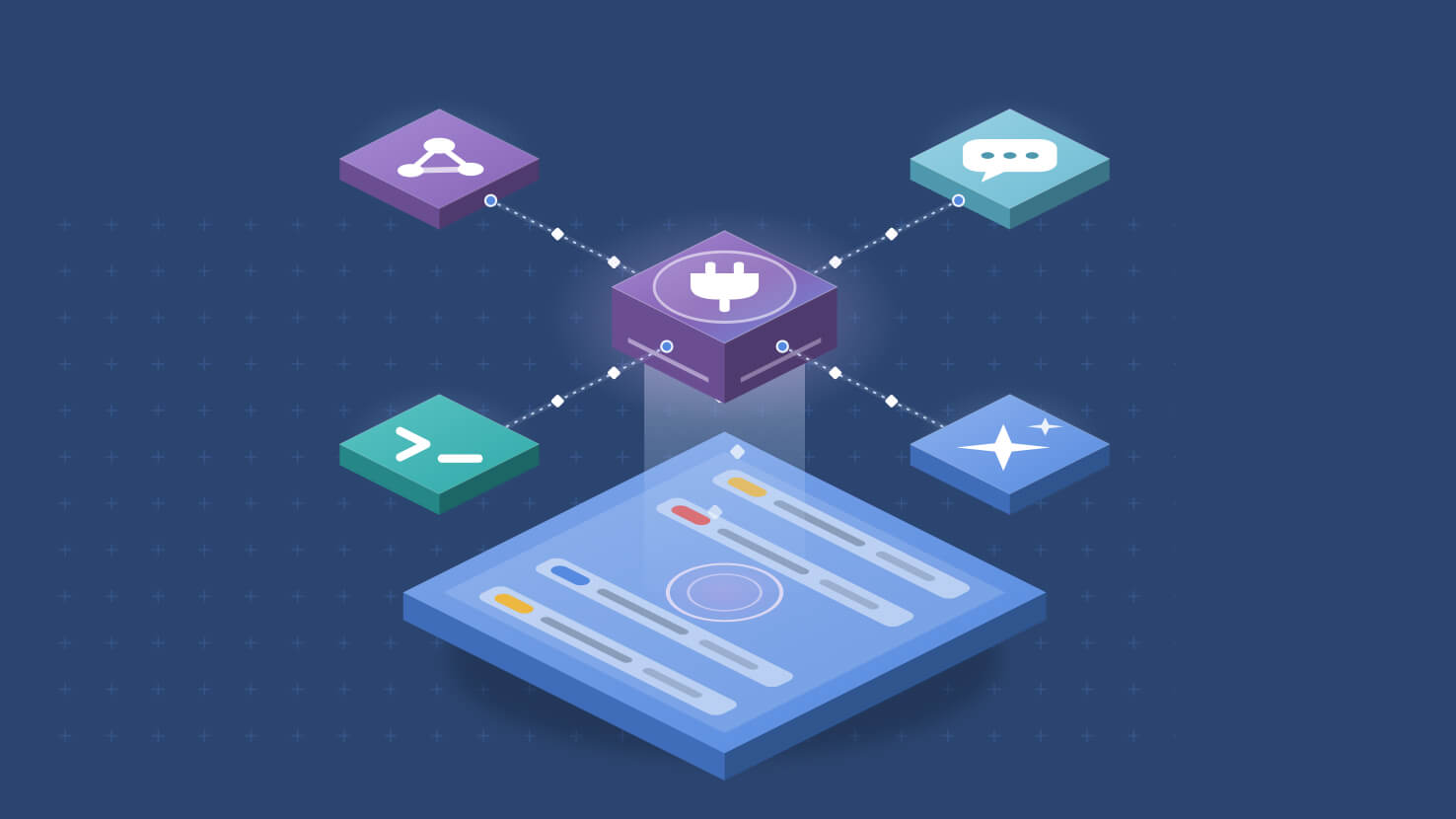
Your workspace is now reachable from any MCP-compatible AI assistant. The SmartSuite MCP Server is a hosted connector that lets an assistant explore your Solutions, work with records, and build and inspect configuration, acting as you and bounded by your own permissions. There is nothing to install and no API key to manage.
Key Highlights
- Zero Install: Connect from any MCP-compatible client at a hosted URL, with no API keys and nothing to run locally.
- Acts As You: Every call runs under your own sign-in, so an assistant sees and changes exactly what you could, never more.
- Scoped Consent: At connection you choose read-only or read and write, and which Workspaces the grant covers. Read-only is the default.
- Full Workspace Reach: Explore Solutions and Tables, search and edit records, manage comments and files, build Tables, Fields and Forms, and inspect Automations.
- Audit Trail Built In: Changes appear in the existing activity history attributed to both you and the assistant that acted for you, which matters for change management and evidence capture.
- Admin Control: Workspace Administrators set MCP access per user as Disabled, Read-Only, or Read and Write.
How It Works
- In Claude, open Customize, then Connectors, search for SmartSuite and click to connect.
- You sign in through SmartSuite's standard login, including social sign-in and SSO with multi-factor authentication where your organization requires it.
- On the consent screen you pick the Workspaces to share and whether the assistant may write. Read only and specific Workspaces are selected by default.
- Behind the scenes the connector uses OAuth with PKCE, so no password or API key is ever handed to the assistant.
- Workspace Administrators govern who can connect at all, and a user's existing Role and Permissions still bound everything the assistant can reach.
- Reads come back bounded by default, returning record title and URL rather than every field, so sessions stay fast and inexpensive.
Any assistant your team already uses can now work inside SmartSuite under your identity and your permissions. Available to all customers.