
new
All Plans
UI & Reporting
View Widgets: New Settings Panel
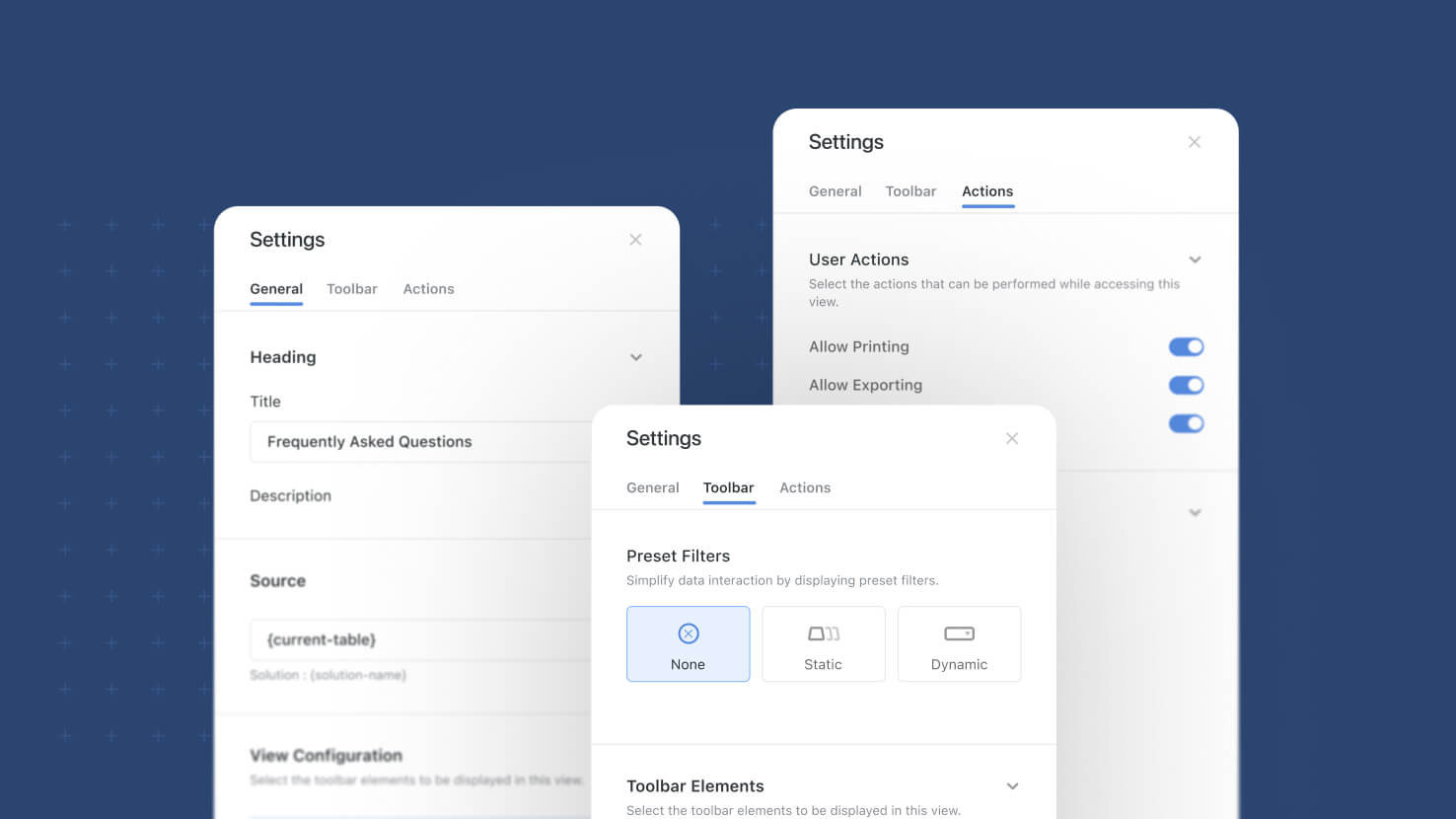
Configuring a dashboard view widget used to mean working through one flat panel where heading, source, display options and buttons all sat together. View widgets now open a three-tab settings sidebar, General, Toolbar and Actions, that groups every setting by what it actually does. The same structure applies across Grid, Card, Kanban, Timeline, Calendar and Gantt widgets.
Key Highlights
- One Consistent Layout: Grid, Card, Kanban, Timeline, Calendar and Gantt widgets all share the same three-tab sidebar, so settings sit where you expect them.
- Manager Defaults, Separately: The View Configuration section sets the default state of each toolbar control, distinct from what end users are allowed to change.
- Toolbar Visibility Control: Per-control toggles decide exactly which toolbar elements a regular user sees, with Show all and Hide all shortcuts.
- Governed User Actions: Printing, exporting, opening record details and inline editing are each their own toggle, useful when dashboard access needs to stay controlled.
- Preset Filters In Context: Preset filters move out of their own tab and sit alongside the toolbar visibility controls they relate to.
How It Works
- Open any view widget's settings and the sidebar presents three tabs, General, Toolbar and Actions, each built from collapsible sections.
- The View Configuration section lists the view's toolbar controls, each row showing its current default and opening that control's configuration popup when clicked.
- Toolbar Elements toggles govern what renders for the regular user; a control enabled in View Configuration loads in its configured state.
- Users can still adjust toolbar settings themselves during a session, and those changes are not written back as the widget default.
- Existing widgets migrate automatically, carrying over their View Controls settings; widgets that previously had Display Toolbar enabled start with all toolbar elements hidden.
The result is one predictable place to configure any view widget, with a clear line between the default a solution manager sets and what a person viewing the dashboard can change.